
SharkSpace Permissions Explained
Published · SharkSpace Turbo Team
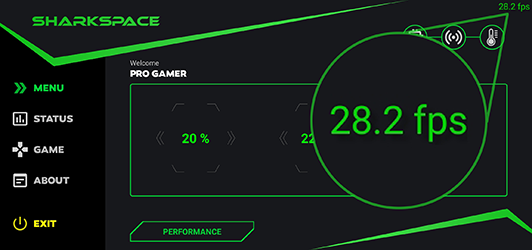
SharkSpace requests several Android permissions. Here is what the main ones are for in the shark space latest version, 1.0.3.
- Display over other apps (overlay): draws the FPS counter and crosshair on top of games.
- Usage access: lets the app see which apps use resources so it can report performance.
- Network state: used to measure ping and connection status.
- Kill background processes: used to free RAM before you play.
- Notifications: shows the foreground service notice while the monitor runs.
- Storage: used for cache cleaning and saving settings.
Tips
You can deny permissions for features you do not use. You can revoke any of them later under Settings → Apps → SharkSpace → Permissions. Read our privacy policy for how this website handles data.