
10 Tips to Reduce Lag in Mobile Games on Android
Published · SharkSpace Turbo Team
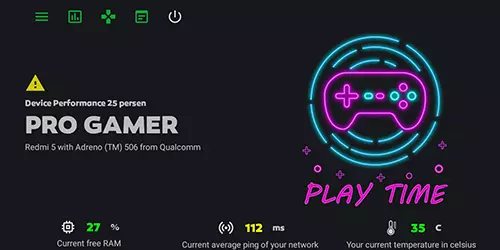
Lag usually comes from three places: too little free RAM, a hot processor or a slow connection. Try these tips.
- Close background apps before you start a match.
- Restart your phone once a week to clear memory.
- Free storage: keep at least 10% of storage empty.
- Lower graphics settings in the game, especially shadows.
- Cap the frame rate at 30 or 60 FPS for a steadier experience.
- Take off the case in long sessions to cool the phone.
- Use Wi-Fi 5 GHz or move closer to the router to lower ping.
- Turn on Do Not Disturb so notifications do not interrupt play.
- Update the game and Android for performance fixes.
- Monitor your numbers: a shark space game booster like SharkSpace shows RAM, ping and temperature live so you can see what is holding you back.