
How to Install SharkSpace APK on Android
Published · SharkSpace Turbo Team
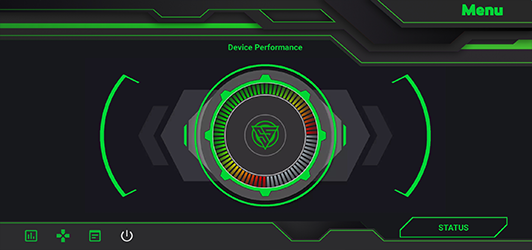
Getting the shark space apk onto your phone takes about a minute. Follow these steps for the SharkSpace Game Turbo APK.
- Begin your shark space download on the download page and tap Download APK.
- When the download finishes, tap the notification or open Files → Downloads.
- If Android blocks the install, open Settings → Apps → Special access → Install unknown apps, pick your browser or file manager and enable Allow from this source.
- Tap Install and then Open.
- Grant Display over other apps and Usage access to use the overlay and monitor features.
Troubleshooting
- App not installed: uninstall any older copy first and make sure you have 40 MB of free space.
- Parse error: your Android is older than 5.1, or the download was incomplete. Download again.
Want more detail? See the full install guide.